ChatGPT Images 2.0 Prompt Generator and Example Prompts

ChatGPT Images 2.0 Prompt Collection

This page collects prompt examples you can use when creating images with ChatGPT Images 2.0.

It includes ready-to-adapt Japanese and English prompts for social posts, blog featured images, ad banners, posters, presentation visuals, and images with text.

Start with the prompt generator below to create a prompt that matches the image you want to make.

ChatGPT Images 2.0 Prompt Generator

Enter what you want to create, and the tool will format it into prompts that are easier to use with image generation AI.


⚡ Use Ultimate AI Model (For Limited Members Only)

Passwords are distributed to limited members only.

What Is ChatGPT Images 2.0?

ChatGPT Images 2.0 is a high-performance image generation feature built into ChatGPT (powered by DALL-E 3) that creates high-quality images from text descriptions. It has excellent language understanding, making it especially strong at rendering text within posters, promotional banners, and infographics.

To get the exact image you want, it is important to specify details like the subject, purpose, style, and mood. Below are practical prompt examples categorized by use case.

ChatGPT Prompt Examples by Use Case

📱 Social Media Post Prompt Example

Recommended aspect ratio: 1:1 or 4:5

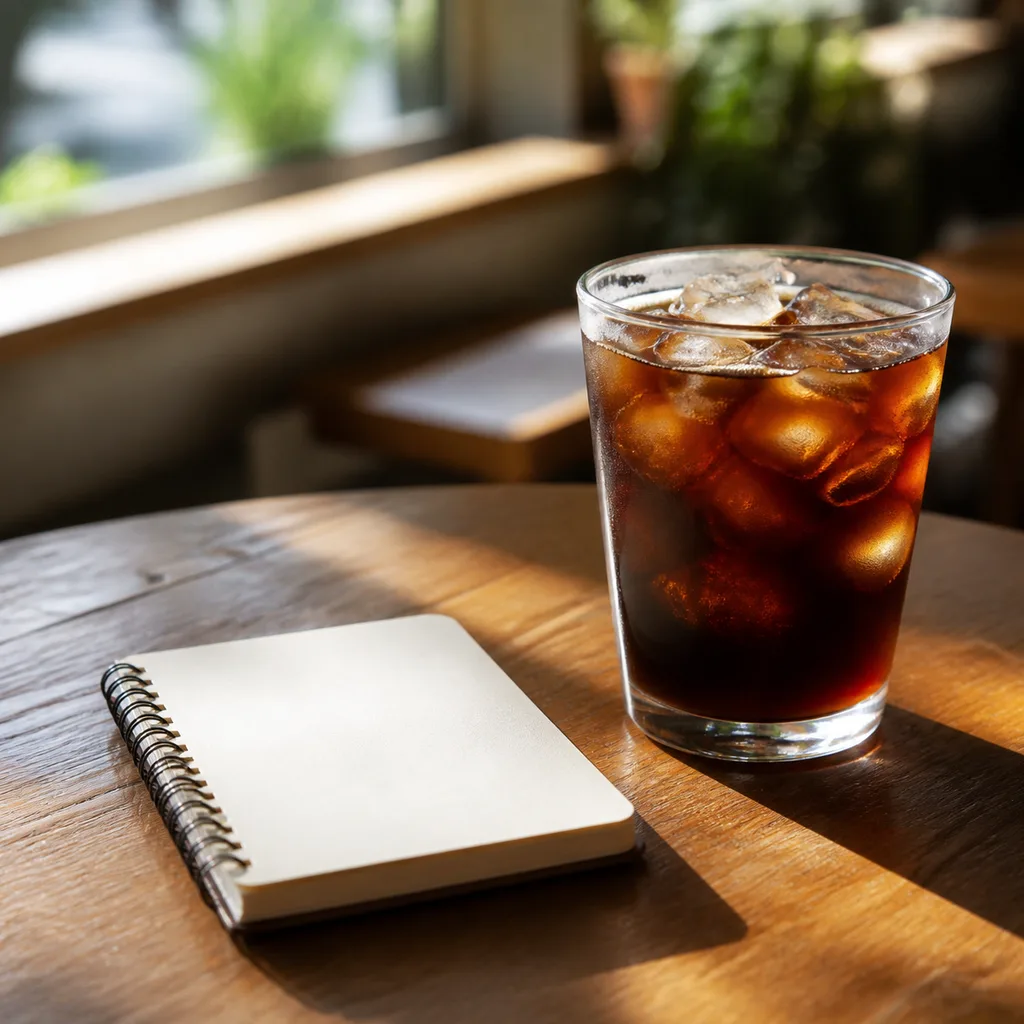
A photo-style social media post image of an iced coffee and a small notebook on a wooden cafe table 1:1

Prompt:

Create an image based on the following details. 1.Subject ... An iced coffee and a small notebook placed on a cafe table 2.Purpose ... Image for a social media post 3.Style ... Photo style 4.Mood ... Bright, relaxing weekend atmosphere 5.Composition/Background ... Simple and stylish composition with a slightly blurred background, natural light 6.Aspect Ratio ... 1:1 7.Elements to Include ... Iced coffee, small notebook, wooden table, natural light 8.Elements to Avoid ... Do not include any people or text

Tip:
For social media images, it is best to keep the subject simple so it is clear on mobile screens. Leaving some negative space makes it easier to pair with posts or text overlays.

📝 Blog Featured Image Prompt Example

Recommended aspect ratio: 16:9 or 3:2

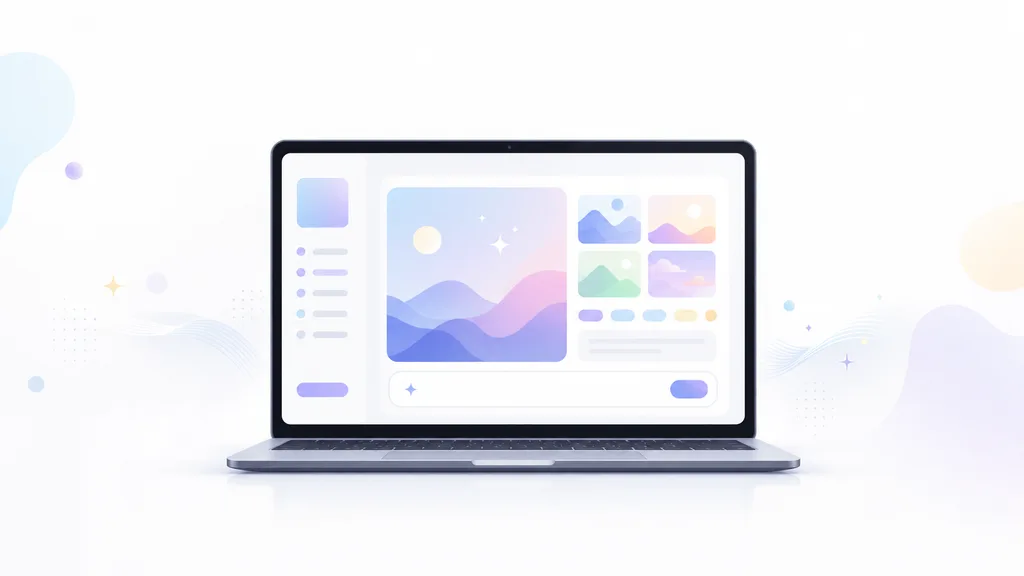
A blog featured image showing a laptop screen with an abstract AI image generation UI 16:9

Prompt:

Create an image based on the following details. 1.Subject ... A laptop showing an abstract UI of an AI image generation tool 2.Purpose ... Image for a blog post hero/eyecatch 3.Style ... Minimal flat illustration style 4.Mood ... Bright, tech-oriented, and friendly atmosphere 5.Composition/Background ... Laptop in the center, with clean negative space on the sides for article titles, white background 6.Aspect Ratio ... 16:9 7.Elements to Include ... Abstract UI screen, small image thumbnails, text input field, subtle light effects, white space 8.Elements to Avoid ... Do not include real logos or readable text

Tip:
Since blog featured images often have titles overlayed later, it is helpful to specify "plenty of negative space" or "a composition that makes it easy to add text later" in your prompt.

📣 Ad Banner Prompt Example

Recommended aspect ratio: 16:9 or 4:5

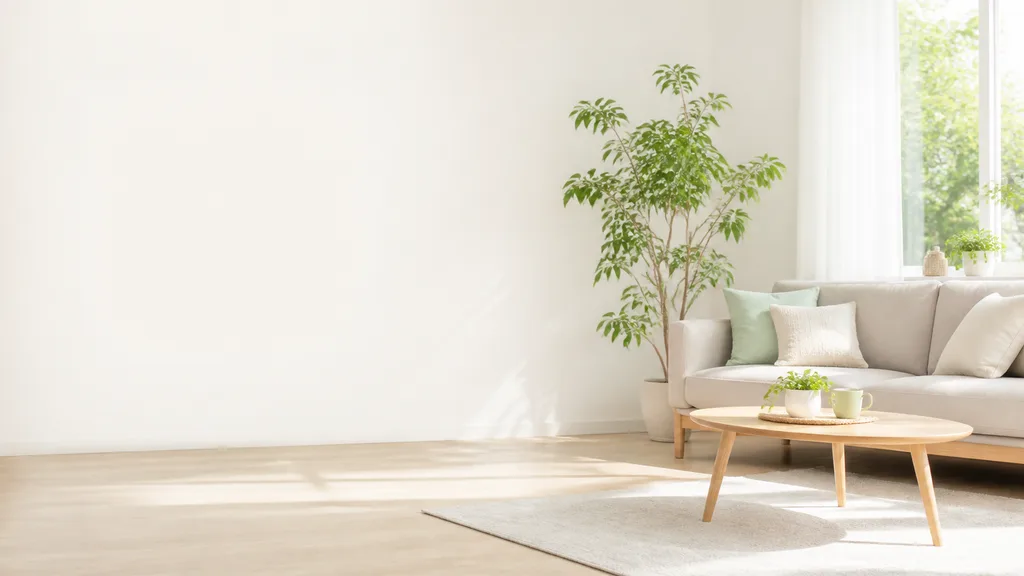
An ad banner background image of a bright living room with a sofa and a low table 16:9

Prompt:

Create an image based on the following details. 1.Subject ... A simple sofa and a low table in a bright living room 2.Purpose ... Background image for a new life campaign advertising banner 3.Style ... Photo style 4.Mood ... Clean, fresh, friendly, and spring-like atmosphere 5.Composition/Background ... Simple composition with a large empty space on the left side for copy 6.Aspect Ratio ... 16:9 7.Elements to Include ... Sofa, low table, green houseplant, natural light, clean negative space 8.Elements to Avoid ... Do not include any people, text, or logos

Tip:
Because ad banners often require overlaying product images, copy, and CTA buttons, generating only the background image is highly recommended.

🛍️ Product Image Prompt Example

Recommended aspect ratio: 1:1 or 4:5

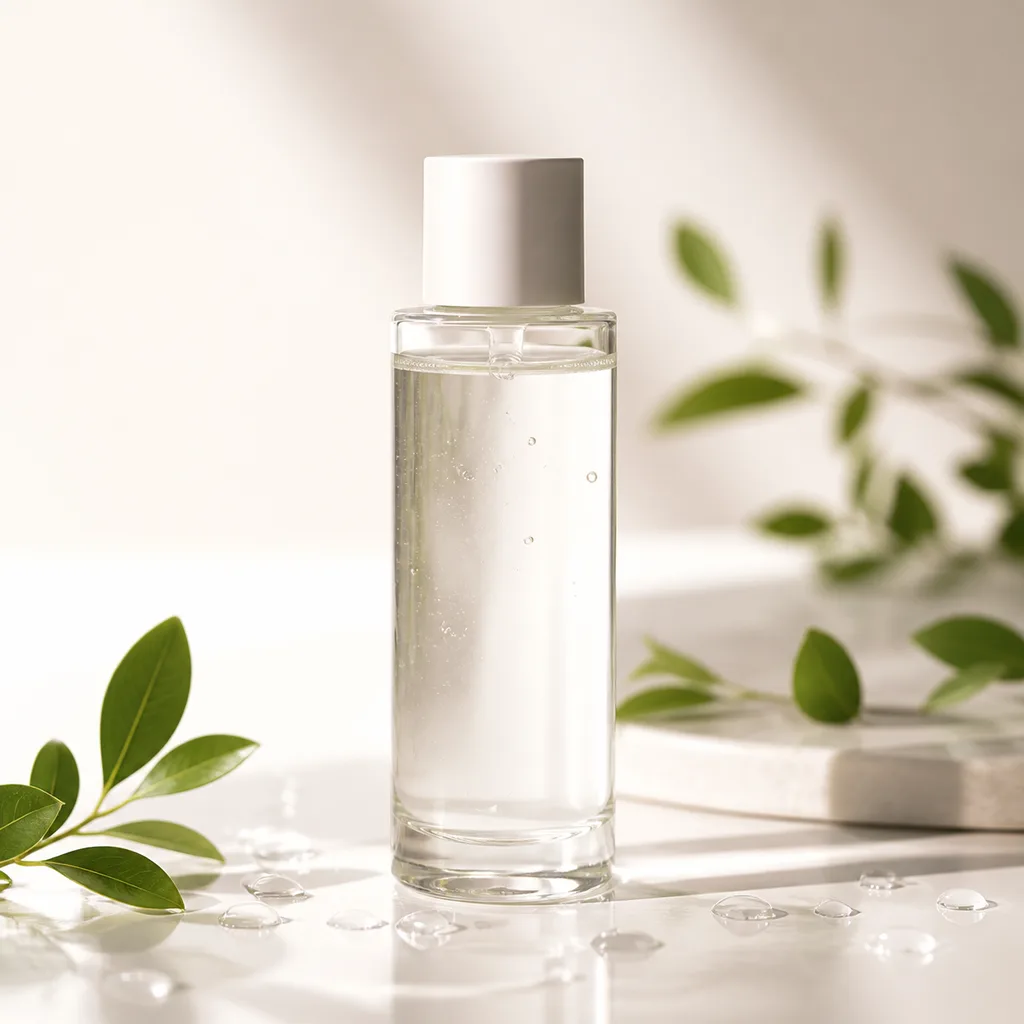
A photo-style product image of a transparent skincare bottle placed in the center 1:1

Prompt:

Create an image based on the following details. 1.Subject ... A product shot of a transparent skincare bottle placed in the center 2.Purpose ... Product image for e-commerce or advertising 3.Style ... Photo style 4.Mood ... Clean, fresh, and premium atmosphere 5.Composition/Background ... Product centered, gradient background from white to soft beige 6.Aspect Ratio ... 1:1 7.Elements to Include ... Skincare bottle, soft natural light, subtle water droplets, small green leaves 8.Elements to Avoid ... Do not include any text, logos, people, or hands

Tip:
AI cannot always replicate specific real-world products accurately. When dealing with physical products, it is best to use AI-generated images for background concepts or visual direction rather than the final product shot.

📊 Presentation Image Prompt Example

Recommended aspect ratio: 16:9

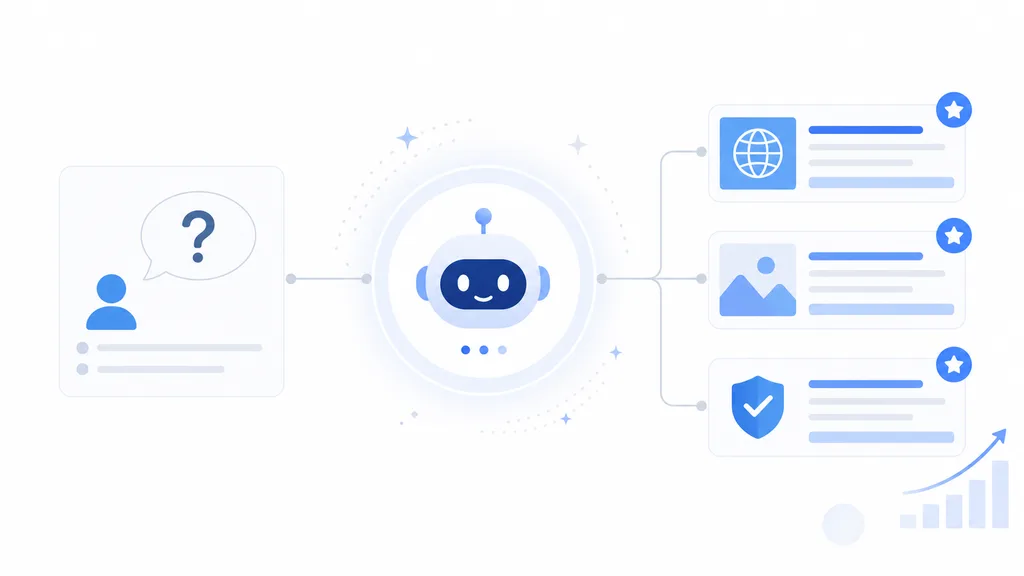
A business infographic image explaining the relationship between AI search and brand visibility 16:9

Prompt:

Create an image based on the following details. 1.Subject ... An infographic explaining the relationship between AI search and brand visibility (abstract AI icon in the center, user question on the left, brand/website info on the right) 2.Purpose ... Infographic image for a business presentation slide 3.Style ... Simple business-oriented flat illustration style 4.Mood ... Clean, trustworthy, and professional atmosphere 5.Composition/Background ... White background, simple and organized layout 6.Aspect Ratio ... 16:9 7.Elements to Include ... Abstract AI assistant icon, question and answer concepts, calm blue accents, light gray lines 8.Elements to Avoid ... Do not include unreadable small text or overly complex UI elements

Tip:
For presentation slides, avoid cluttered details. Focus your prompt on a single, clear message per image.

👤 Character Image Prompt Example

Recommended aspect ratio: 1:1

A character image of a small AI assistant standing next to a laptop explaining something 1:1

Prompt:

Create an image based on the following details. 1.Subject ... A small AI assistant character standing next to a laptop in an explaining pose 2.Purpose ... Guide character image for a website or application 3.Style ... Friendly flat illustration style 4.Mood ... Bright, intelligent, and approachable atmosphere 5.Composition/Background ... Character centered, simple white background 6.Aspect Ratio ... 1:1 7.Elements to Include ... Rounded character design, laptop, soft blue and gray color palette, white background 8.Elements to Avoid ... Avoid scary or overly robotic designs

Tip:
Specifying the expression, personality, colors, and purpose helps keep character designs consistent. To create multiple poses/expressions, you can ask the AI to "keep the same character but change the facial expression."

🎨 Social Media Icon Prompt Example

Recommended aspect ratio: 1:1

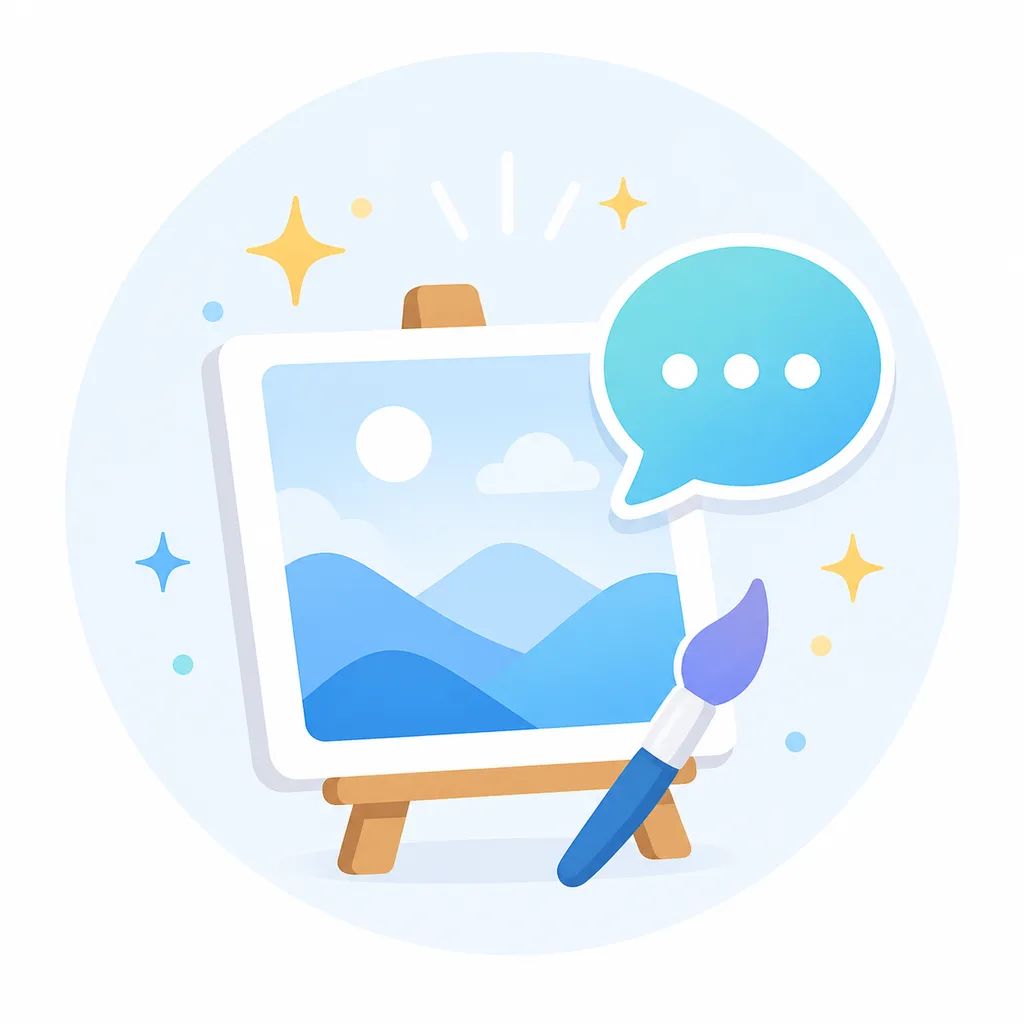
A social media icon image of a sparkling canvas and speech bubble representing AI image generation 1:1

Prompt:

Create an image based on the following details. 1.Subject ... A sparkling canvas representing AI image generation combined with a speech bubble element 2.Purpose ... Social media icon for an AI tool blog 3.Style ... Minimal flat illustration style 4.Mood ... Bright and friendly atmosphere 5.Composition/Background ... Centered composition suitable for circular icons, white or soft blue background 6.Aspect Ratio ... 1:1 7.Elements to Include ... Sparkling canvas, speech bubble, clean color palette 8.Elements to Avoid ... Do not include any text, logos, or overly detailed decoration

Tip:
For social media icons, detailed backgrounds or props can make the image hard to read when scaled down. Specify a composition that shows the face or silhouette clearly.

FAQ

Can ChatGPT Images 2.0 generate images with text?
  • ChatGPT Images 2.0 features improved text rendering, making it capable of generating images with English or Japanese text.
  • However, long sentences or small fonts can still get distorted, so it is best to start with short headlines or simple copy.

What are the tips for creating ad banners with ChatGPT Images 2.0?
  • For ad banners, we recommend specifying the "purpose," "aspect ratio," "text placement," and "negative space" at the very beginning.
  • For example, specifying "product on the left, empty space for a headline on the right" helps produce an image that is easy to edit later.

How do I create images for presentation slides with ChatGPT?
  • For presentation slides, we recommend using terms like "16:9," "white background," "business style," "simple," and "minimal text."
  • Since the image serves to support your slides, keep it clean and avoid overloading it with information.

Is it better to write ChatGPT prompts in Japanese or English?
  • You can use either. Feel free to write in Japanese if it helps you organize your thoughts. However, having prompts in English makes it easier to compare outputs or reuse them across other global AI tools.

Related Pages

See more prompt examples for each tool

Other AI Tools AI tool demos