AI Image Prompt Generator and Example Prompts
AI Image Prompt Collection
In AI image generation, the quality of the final image can change dramatically depending on how clearly you write the prompt.
This page collects practical prompt examples for social media posts, blog featured images, ad banners, product images, presentation visuals, characters, and illustrations.
Each example includes both Japanese and English prompts, so you can use them with ChatGPT, Nano Banana, Gemini, Canva AI, Adobe Firefly, Midjourney, and other image generation tools.
Start with the prompt generator below to create a prompt that matches the image you want to make.
AI Image Prompt Generator
Enter what you want to create, and the tool will format it into prompts that are easier to use with image generation AI.
What Is an AI Image Prompt?
An AI image prompt is an instruction or description given to an AI image generation tool to explain what kind of image you want to create.
For example, rather than simply typing "image of a dog," writing concretely like the example below makes it much easier to generate an image that matches your vision.
image of a dogA photo-style image of a golden retriever running happily in a bright park. Natural lighting, slightly blurred background, warm and friendly atmosphere. Square composition suitable for a social media post.In your prompts, specifying not just the subject but also the purpose, style, mood, composition, background, colors, aspect ratio, and elements to avoid will help you create more practical and high-quality images.
Basic Structure of a Good Image Prompt
Prompts for AI image generation are easier to build when you break them down into the following components.
1. What to draw (Subject)
First, clearly define the main subject of your image.
- A woman working on a laptop in a cafe
- A skincare product placed on a clean white background
- A business team having a meeting in a futuristic office
- A fantasy character walking through a forest
2. What the image is for (Purpose)
The suitable composition and ratio vary depending on how you plan to use the image.
- For an Instagram post
- For a blog featured image
- For an advertising banner
- For presentation slides
- For a YouTube thumbnail
3. What style to use (Style)
Specify the visual style, such as photo, illustration, or 3D render.
- Photo style
- Minimal flat illustration
- 3D render style
- Anime style
- Watercolor illustration
- Premium advertising visual style
4. What mood to convey (Mood / Atmosphere)
Specifying the mood helps tie the overall impression of the image together.
- Bright and friendly
- Clean and fresh
- Calm and quiet
- Premium and luxurious
- Futuristic
- Warm and inviting
- Professional
5. Elements to include or avoid
AI image generators sometimes introduce unwanted text or unnatural details. Therefore, it is helpful to specify not only the elements you want but also the ones you want to avoid.
- Elements to include: Natural light, white background, houseplant, laptop, product packaging, negative space
- Elements to avoid: Text, logos, unnatural hands, dark mood, cluttered background, extra people
Basic Template for Image Prompts
Using the template below, you can easily create prompts that work well with various AI image generators.
Create an image based on the following details.
1.Subject ... 〇〇
2.Purpose ... Image for 〇〇
3.Style ... 〇〇 style
4.Mood ... 〇〇 atmosphere
5.Composition/Background ... 〇〇
6.Aspect Ratio ... 〇〇
7.Elements to Include ... 〇〇
8.Elements to Avoid ... Do not include 〇〇
Prompt Examples by Use Case
Here are practical, ready-to-use prompt examples categorized by use case.
Recommended aspect ratio: 1:1 or 4:5
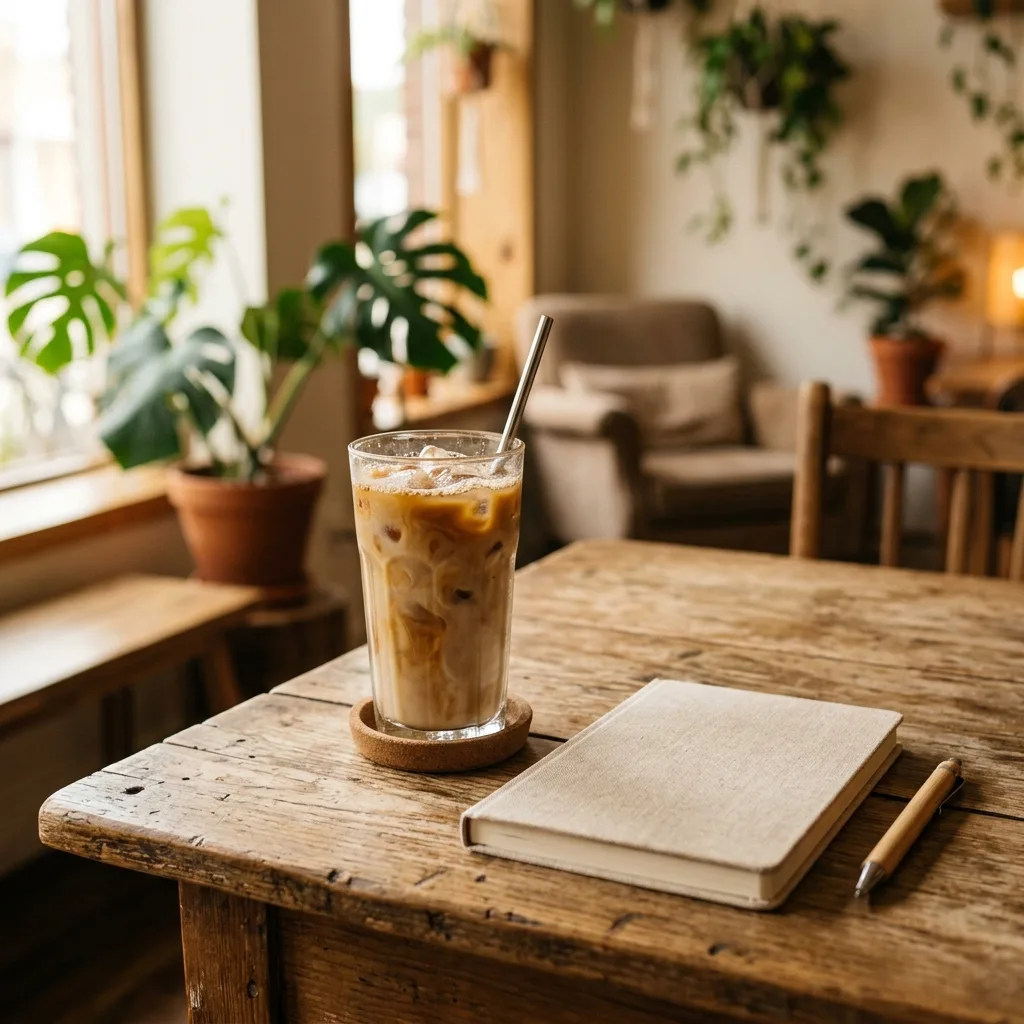
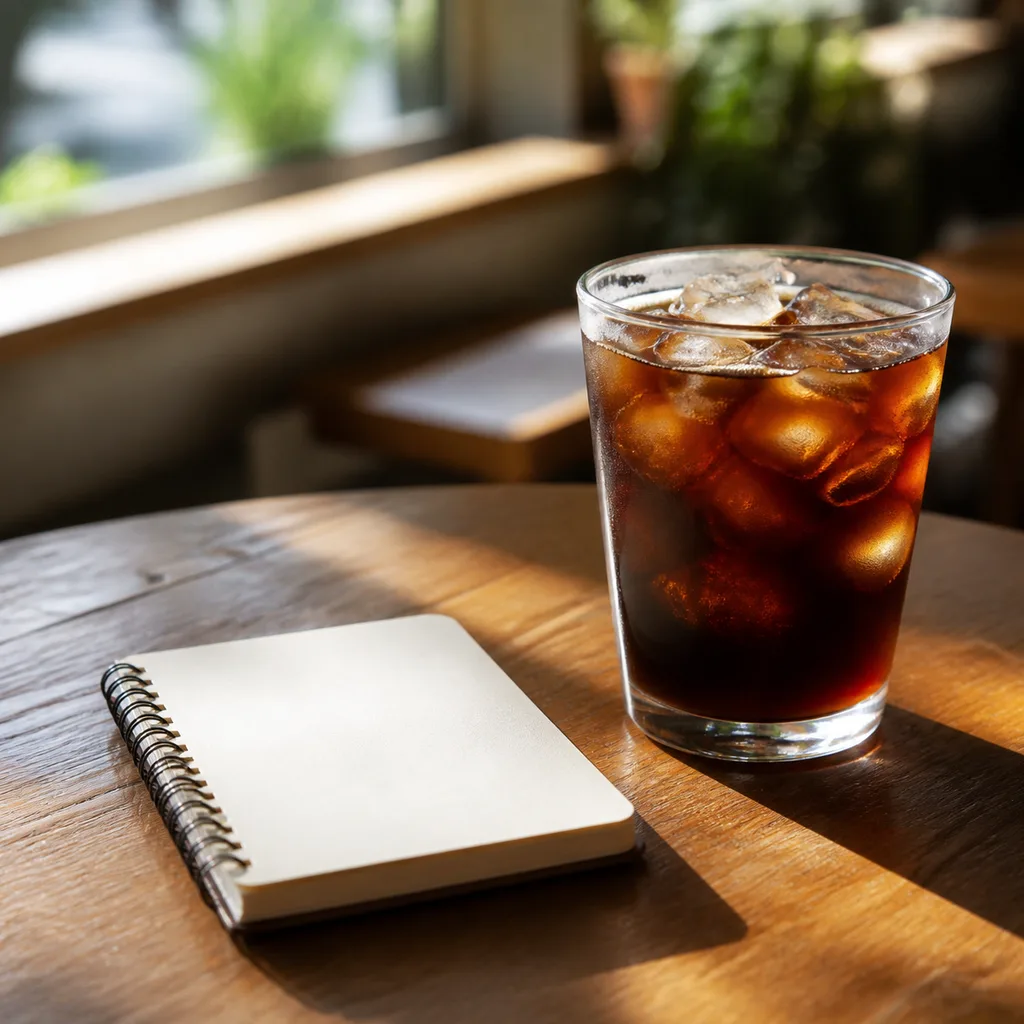
Prompt:
Tip:
For social media posts, we recommend keeping the subject simple so it is easily understood on mobile screens. Leaving some negative space makes it easier to pair with posts or text overlays.
Recommended aspect ratio: 16:9 or 3:2
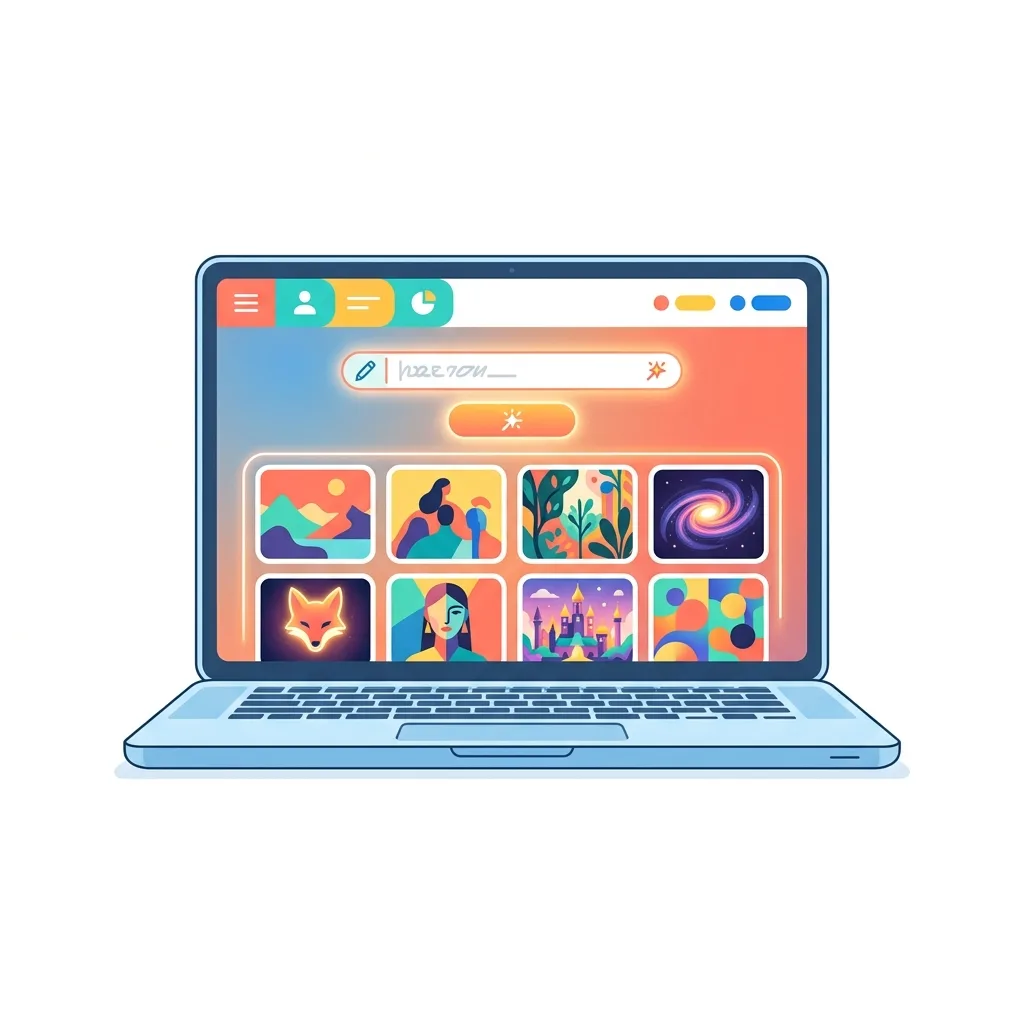
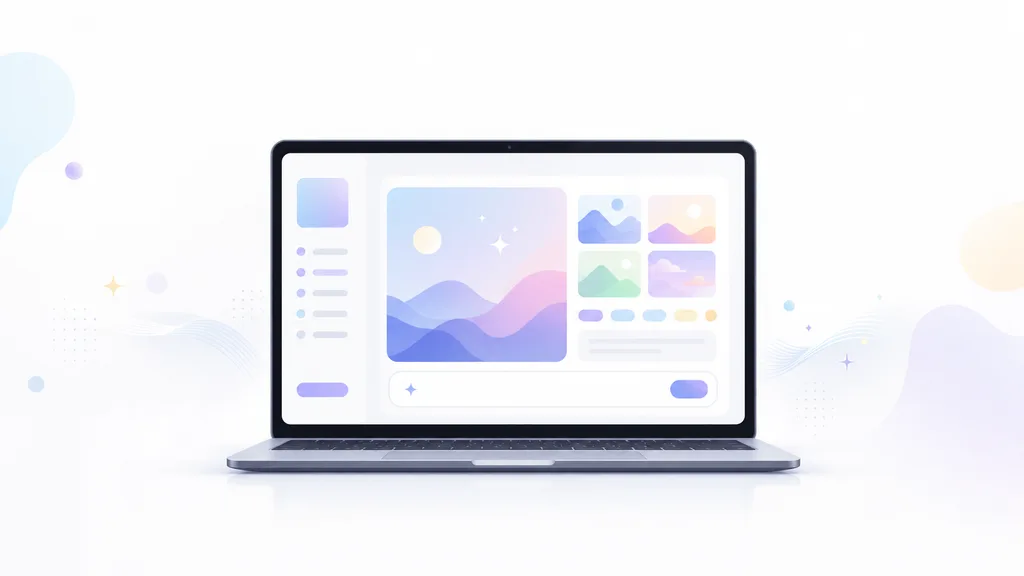
Prompt:
Tip:
Since blog featured images often have titles overlayed later, it is helpful to specify "plenty of negative space" or "a composition that makes it easy to add text later" in your prompt.
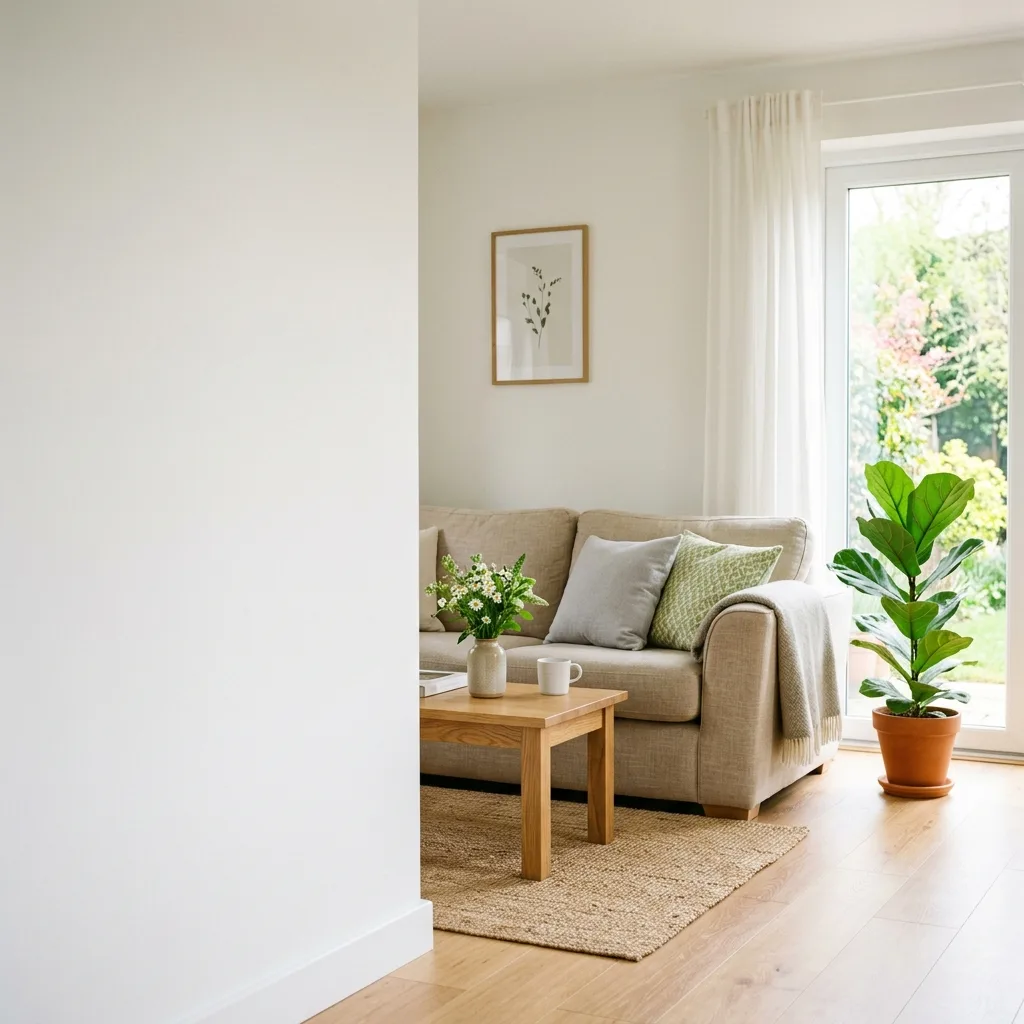
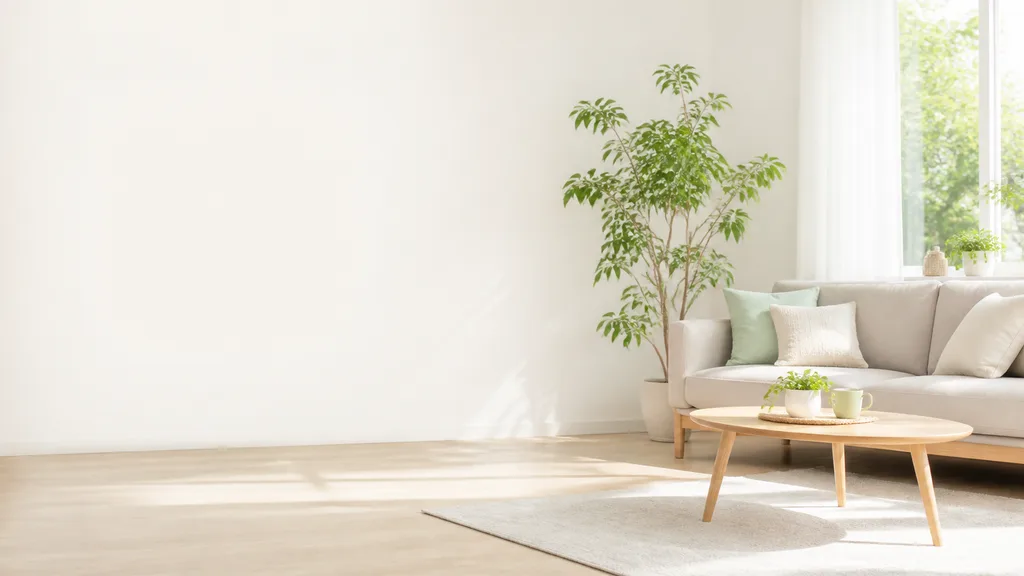
Recommended aspect ratio: 16:9 or 4:5
Prompt:
Tip:
Because ad banners often require overlaying product images, copy, and CTA buttons, generating only the background image is highly recommended.
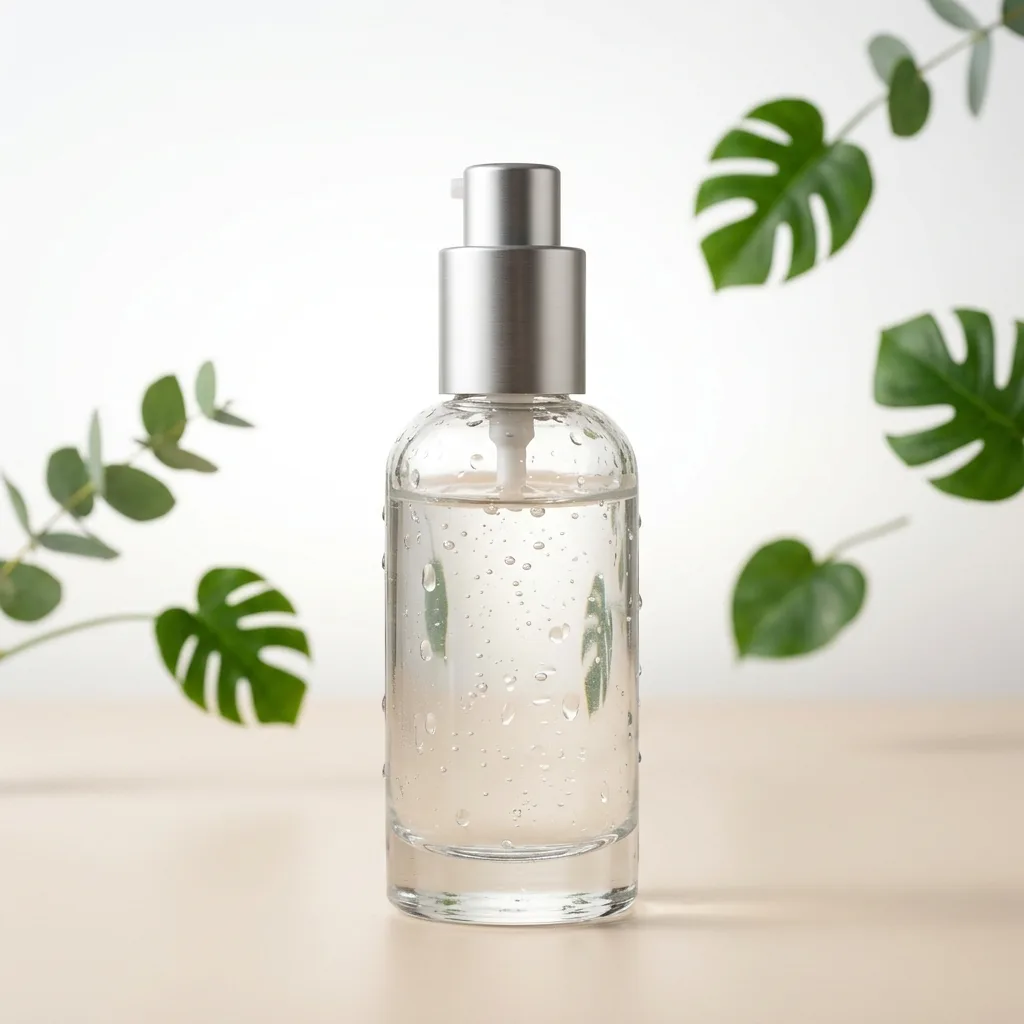
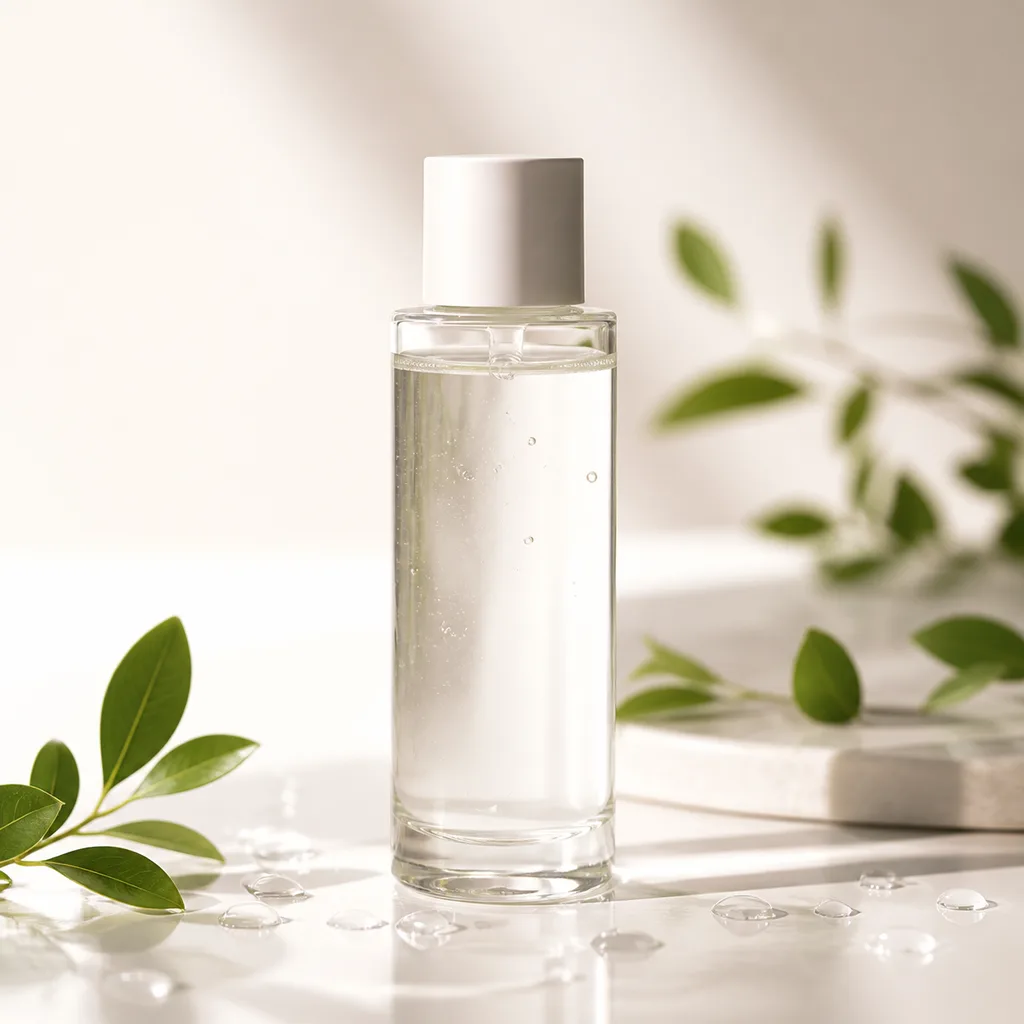
Recommended aspect ratio: 1:1 or 4:5
Prompt:
Tip:
AI cannot always replicate specific real-world products accurately. When dealing with physical products, it is best to use AI-generated images for background concepts or visual direction rather than the final product shot.
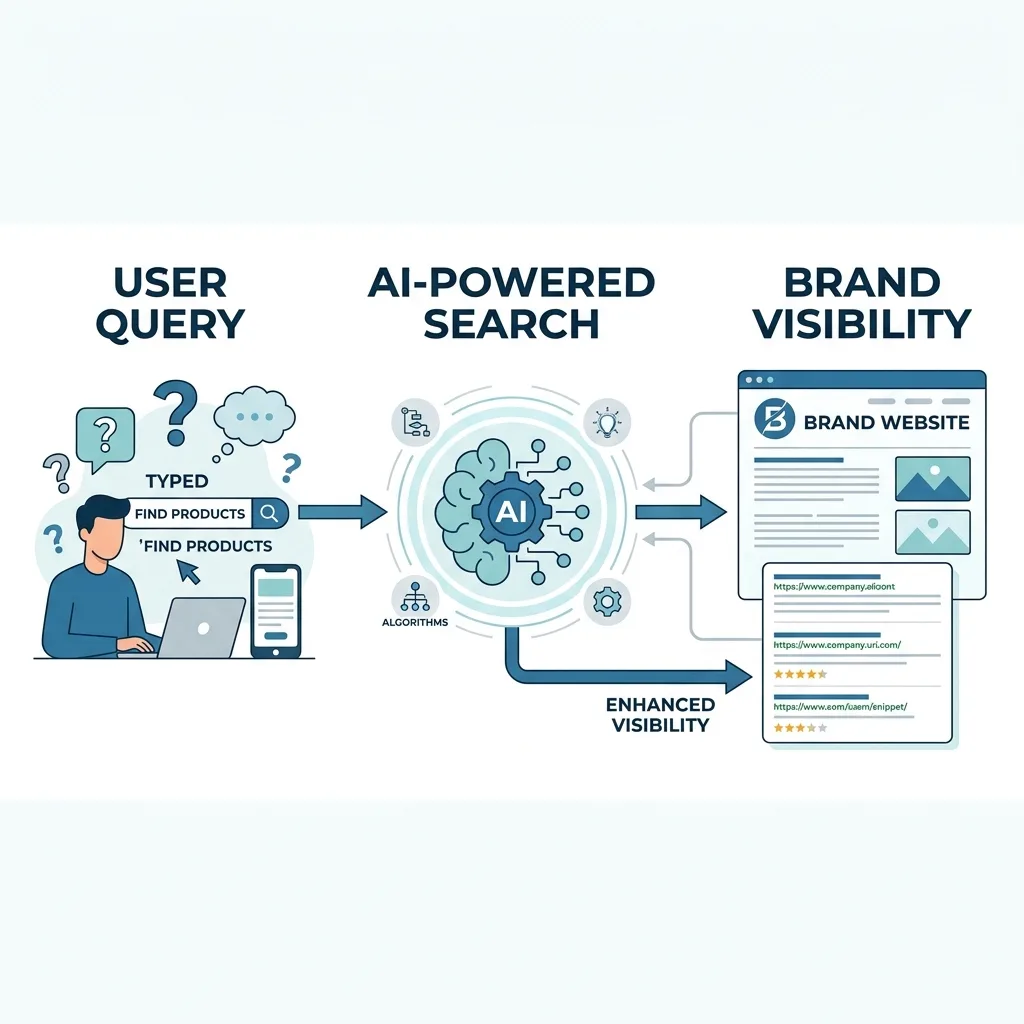
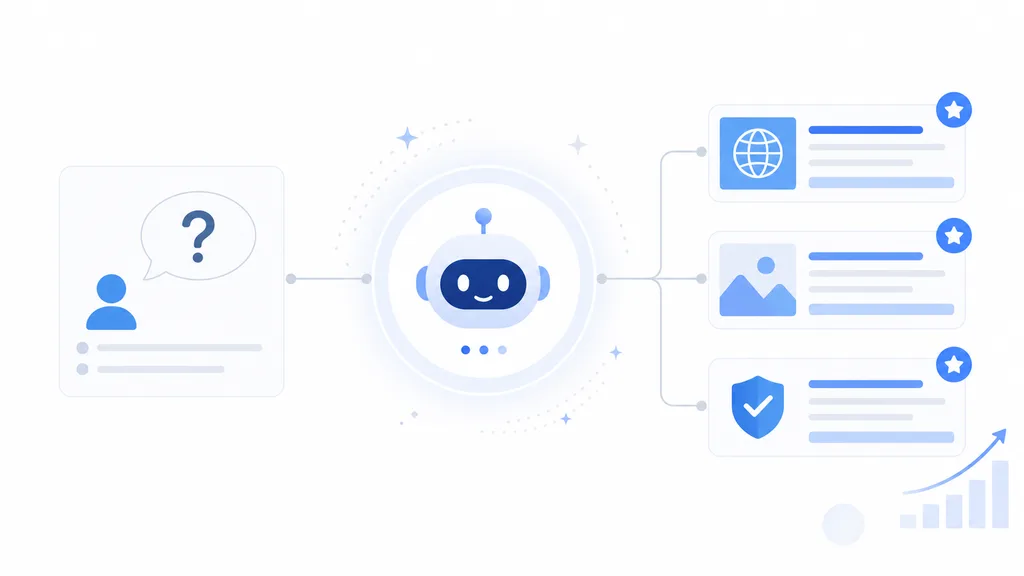
Recommended aspect ratio: 16:9
Prompt:
Tip:
For presentation slides, avoid cluttered details. Focus your prompt on a single, clear message per image.
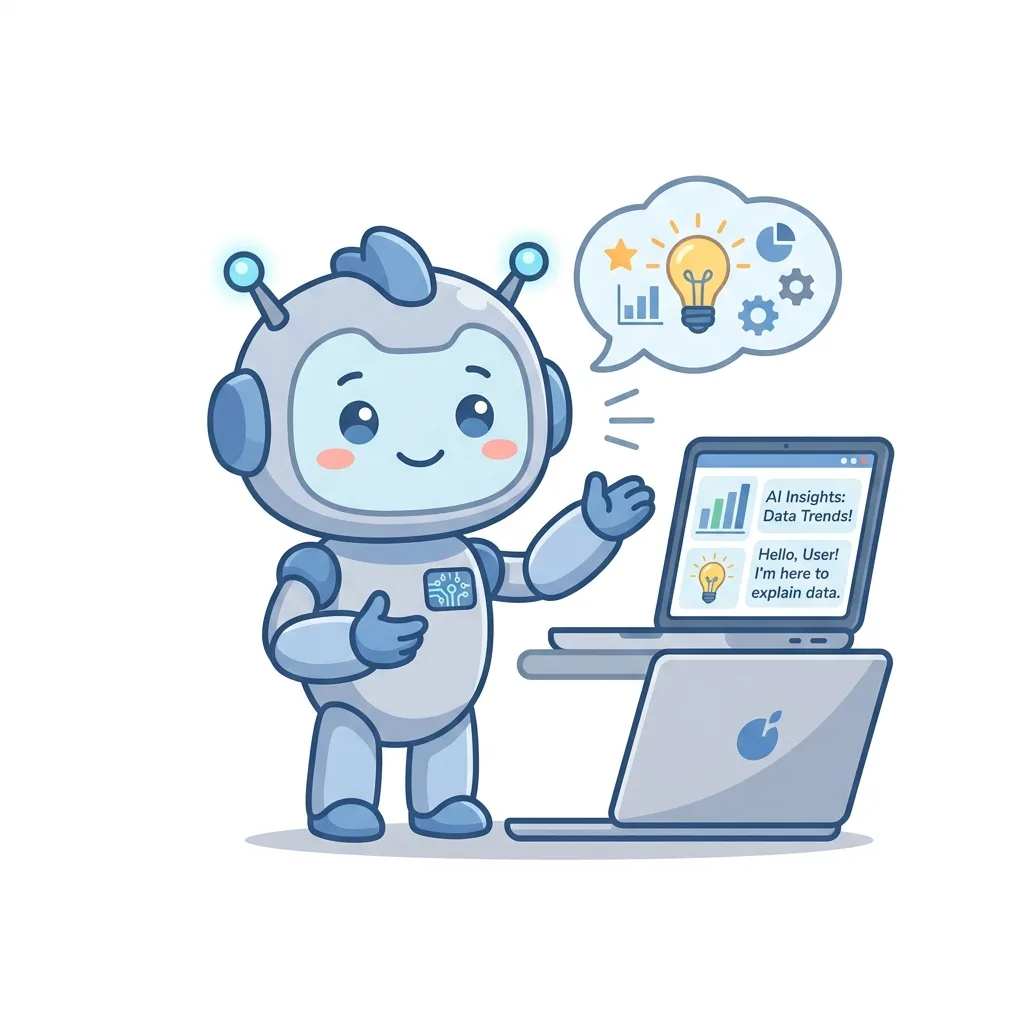
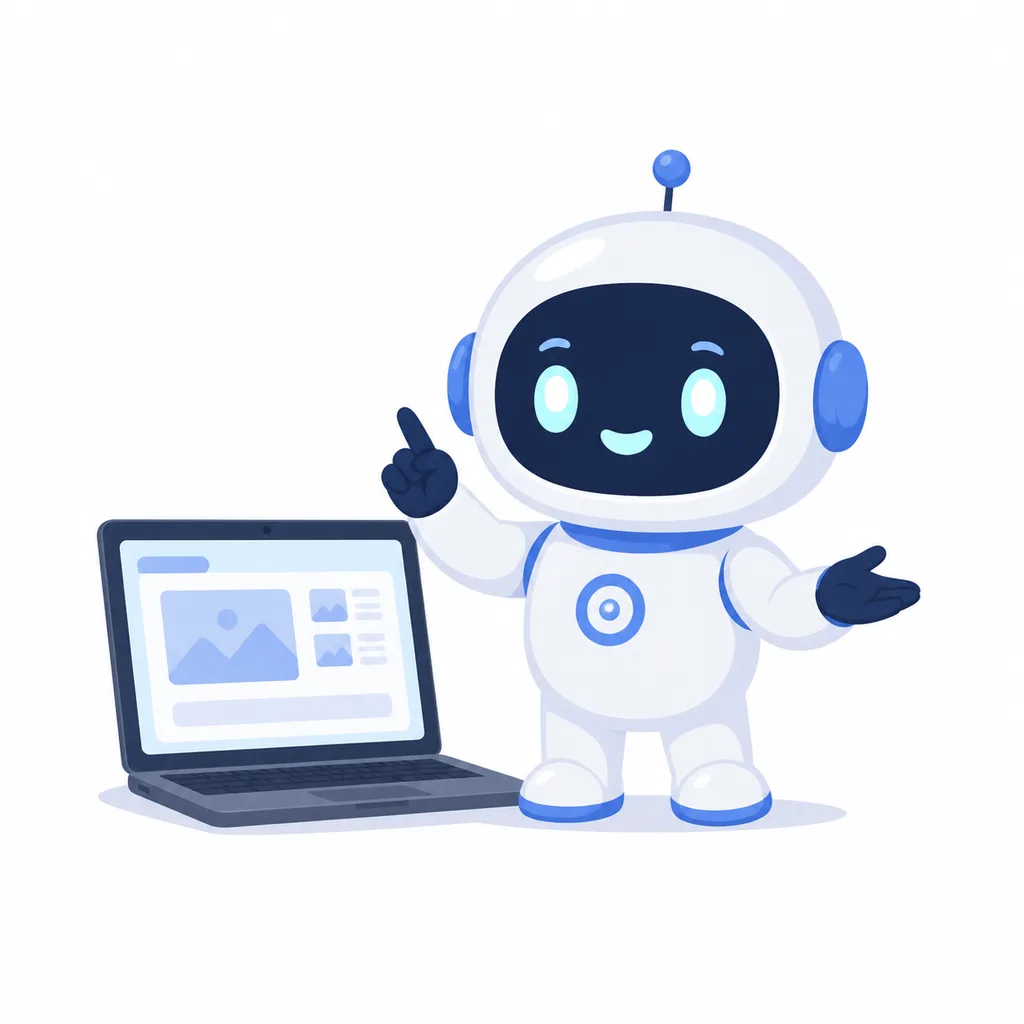
Recommended aspect ratio: 1:1
Prompt:
Tip:
Specifying the expression, personality, colors, and purpose helps keep character designs consistent. To create multiple poses/expressions, you can ask the AI to "keep the same character but change the facial expression."
Recommended aspect ratio: 1:1
Prompt:
Tip:
For social media icons, detailed backgrounds or props can make the image hard to read when scaled down. Specify a composition that shows the face or silhouette clearly.
Good vs. Weak Prompt Examples
In AI image generation, if the prompt is too short, the AI has to fill in too many details on its own. This often leads to images that mismatch your vision or are not suitable for their intended use.
Example 1: Social Media Post Image
Issues: The purpose, whether it should be a photo or illustration, and the aspect ratio are all unspecified, leaving the AI to guess.
Key Improvements: Very clear about the subject, purpose, style, mood, and elements to avoid.
Example 2: Blog Featured Image
Issues: Too abstract. It does not convey the theme or the desired look at all.
Key Improvements: Specifies the 16:9 ratio and reserves empty space on the right for adding text later.
Tips for Writing AI Image Prompts
Don't aim for perfection on the first try
AI image generation doesn't always produce the perfect image in a single try. It is recommended to start with a broad concept and then refine it using follow-up prompts.
- Please make the atmosphere a bit brighter
- Please make the background simpler
- Please make the person smaller and increase the negative space
- Please make it look more professional and calm to suit business materials
Always specify the purpose
Specifying what the image is for helps the AI optimize the composition and mood. (e.g., for Instagram posts, blog featured images, or presentation slides)
Specify the aspect ratio
The best aspect ratio depends on where the image will be used. Include explicit specifications like 1:1, 16:9, or 4:5 in your prompt.
Be careful when requesting text in images
AI generators can sometimes struggle to render text accurately. For ads or banners, it is often better to generate a clean background image first, then add text later using design tools like Canva.
Specify elements to avoid
If there are details you don't want—such as random text, logos, distorted hands, or dark backgrounds—clearly specify them (e.g., "Do not include text") to prevent them from appearing.
FAQ
Is it better to write AI image prompts in Japanese or English?
- Most AI image tools accept prompts in both Japanese and English. However, some tools may reflect fine details and nuances more accurately when using English.
- This tool converts your ideas into both Japanese and English prompts. We recommend starting with the English prompt if you want the highest level of detail from global AI models.
Should prompts be long?
- Not necessarily. The key is clarity and including essential elements: subject, purpose, style, mood, composition, and details to avoid.
- If a prompt is too short, the AI has to make too many guesses; if it is too long, key instructions might get lost in the noise.
Can AI generate images containing text?
- Yes, some advanced tools can render text, but letters can still get distorted or misspelled.
- For critical assets like ad banners or presentation slides where spelling must be perfect, we recommend generating a clean background image with AI and overlaying text using tools like Canva or PowerPoint.
Can I use AI-generated images commercially?
- Commercial use rights depend on the terms of service and subscription plan of the specific AI tool you use. Always review the latest terms of service of the respective tool before using images commercially.
Will the same prompt always generate the same image?
- No, using the exact same prompt will generally produce a different image each time due to the probabilistic nature of AI. However, some tools allow you to use seed values or reference images to maintain visual consistency.
Related Pages
See more prompt examples for each tool